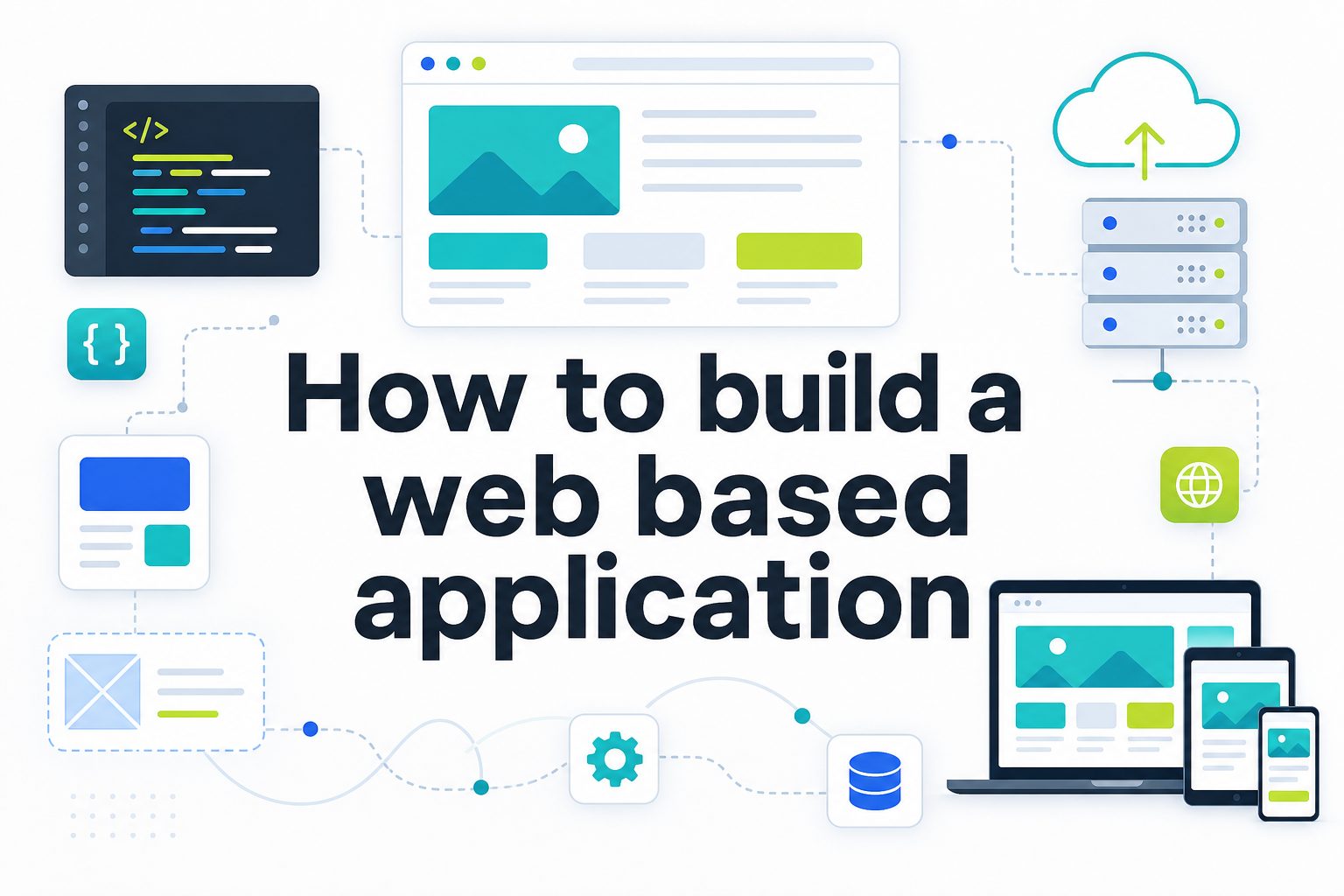
Learning how to build a web based application is one of the most useful skills for modern businesses, creators, and developers because so much work now happens through the browser. A web based application lets users sign in, manage data, complete tasks, communicate, buy products, or access services without installing traditional desktop software.
The process can look complicated at first, especially when people hear terms like frontend, backend, database, hosting, authentication, and APIs. In practice, building a web app becomes much easier when you break it into clear decisions and practical stages.
This guide explains what a web application is, why it matters, how the development process works, which tools are commonly used, and what mistakes to avoid. You will also see examples, best practices, and practical answers to common questions.
A web based application is software that runs in a browser and usually communicates with a remote server. Unlike a static website, it responds to user input, stores information, and often provides personalized features after login.
Common examples include project management tools, online banking dashboards, learning platforms, ecommerce admin panels, booking systems, customer portals, and internal business tools. The browser is the interface, while servers and databases handle the logic and information behind the scenes.
Web apps matter because they are easier to update than installed software. When developers release improvements, users usually receive them instantly the next time they open the application. This makes maintenance faster and keeps everyone on the same version.
They also support access across devices. A well-built web application can work on laptops, tablets, and phones, which is useful for teams, customers, and remote workers who need reliable access from different locations.
The best web applications solve a clear problem. Before choosing frameworks or writing code, define the user, the task, the data involved, and the outcome the application must deliver.
How Do You Plan A Web Based Application?
1. Define The Core Problem
Start by writing the exact problem your web based application should solve. A vague idea like building a business dashboard is not enough. A clearer goal, such as helping sales teams track leads and follow up faster, gives the project direction and prevents unnecessary features.
2. Identify The Target Users
Every design and technical decision depends on who will use the application. A customer-facing booking tool needs a different experience from an internal inventory system. Define user roles, skill levels, devices, and daily tasks so the app feels practical instead of confusing.
3. List The Main Features
Write the essential features before thinking about advanced extras. Most early versions need user accounts, forms, dashboards, search, notifications, reports, or payment flows. Prioritize the features that support the main user journey and postpone anything that does not help the first release.
4. Map The User Journey
A user journey shows how someone moves from opening the application to completing a task. Mapping this flow helps you find missing screens, unclear steps, and unnecessary friction. It also guides navigation, page structure, button placement, and error messages.
5. Choose The Data Structure
Most web applications rely on organized data, such as users, orders, products, messages, tasks, or documents. Planning the data model early helps developers build stable databases and avoid messy relationships that become expensive to fix later.
6. Decide The First Version Scope
The first version should be useful but focused. Instead of trying to build every possible feature, create a minimum viable product that proves the idea works. This approach lowers risk, speeds up launch, and gives you real feedback before investing more time.
What Tools Help Build A Web App?
1. A frontend framework helps create the visible interface users interact with in the browser.
2. A backend framework handles server logic, authentication, data processing, and business rules.
3. A database stores important application information such as accounts, transactions, products, and activity history.
4. A design tool helps plan layouts, user flows, and interface states before development begins.
5. A hosting platform makes the application available online and supports deployment, scaling, and monitoring.
Key Benefits Of Web Based Applications
- Easy Access: Users can open the application through a browser without installing desktop software, which makes onboarding faster and reduces technical barriers.
- Centralized Updates: Developers can release fixes and improvements from one place, so users do not need to manually install updates across multiple devices.
- Cross Device Use: A responsive web application can support desktops, tablets, and phones, helping users work from wherever they are.
- Scalable Growth: Cloud hosting and modern architecture allow a web app to support more users, features, and data as demand increases.
- Better Collaboration: Because data is stored centrally, teams can share information, track changes, and work together in real time or near real time.
- Lower Maintenance: Compared with traditional installed software, web apps can reduce support work because compatibility and updates are easier to manage.
How Do You Build A Web Application?
1. Create Wireframes And User Flows
Wireframes show the structure of each screen before visual design and coding begin. They help teams agree on layout, navigation, forms, and content priority. This step is valuable because changing a wireframe is much faster than rebuilding finished code.
2. Design The Interface
The interface should be clear, consistent, and easy to scan. Good design is not only about appearance; it helps users complete tasks with fewer mistakes. Use readable text, obvious actions, helpful form labels, and layouts that work on different screen sizes.
3. Build The Frontend
Frontend development turns designs into browser-based screens using technologies such as HTML, CSS, JavaScript, and modern frameworks. This layer manages buttons, forms, navigation, validation, loading states, and the overall experience users see and touch.
4. Build The Backend
Backend development manages the application logic behind the interface. It processes requests, checks permissions, connects with the database, sends emails, handles payments, and enforces rules. A reliable backend keeps the app secure, accurate, and consistent.
5. Connect The Database
The database stores the information the application needs to remember. Developers must design tables or collections carefully, protect sensitive data, and make queries efficient. Poor database design can slow the app and make future features harder to add.
6. Test The Application
Testing checks whether the application works as expected across different actions, users, devices, and edge cases. Test forms, login, permissions, errors, performance, and important workflows. A web based application should be tested before launch and after every meaningful update.
7. Deploy And Monitor
Deployment makes the application available to users. After launch, monitoring helps detect errors, slow pages, failed requests, and security issues. Real usage often reveals problems that were not obvious during development, so post-launch maintenance is part of the build process.
Building a web based application becomes manageable when you treat it as a structured process rather than one large technical task. Start with the problem, define the users, plan the core features, and build the experience around real workflows.
The strongest web apps combine clear design, reliable backend logic, secure data handling, thoughtful testing, and ongoing improvement. Tools and frameworks matter, but the real foundation is a useful product that solves a clear need.
Whether you are creating a customer portal, internal dashboard, ecommerce tool, or SaaS product, focus on simplicity first. A focused first version gives you the best chance to launch, learn, and improve with confidence.
FAQs About How To Build A Web Based Application
What Is A Web Based Application?
A web based application is software that runs through a browser and usually connects to a server and database. It can manage user accounts, process forms, store information, display dashboards, and support interactive tasks without requiring users to install traditional desktop software.
How Long Does It Take To Build A Web App?
The timeline depends on complexity. A simple web application may take a few weeks, while a larger platform with payments, permissions, reports, and integrations can take several months. Planning, design, testing, and feedback all affect the schedule.
Do I Need Coding Skills To Build One?
Coding skills are helpful, especially for custom applications, but no-code and low-code platforms can support simpler projects. For a serious product, complex workflow, or scalable business system, professional development usually provides more flexibility and control.
What Is The Most Important First Step?
The most important first step is defining the problem clearly. Before choosing tools or designing screens, know who the app is for, what task it helps them complete, what data it needs, and what result proves the application is useful.
How Much Does A Web Based Application Cost?
Cost depends on features, design quality, technical complexity, integrations, hosting, and maintenance. A small internal tool costs much less than a full SaaS platform. The best way to control cost is to launch a focused first version before expanding.
What Mistakes Should Beginners Avoid?
Beginners often build too many features, skip user research, ignore security, delay testing, or choose technology before defining the product. A better approach is to keep the first version focused, test core workflows early, and improve based on real use.